Edit photos with pure, glassy light.
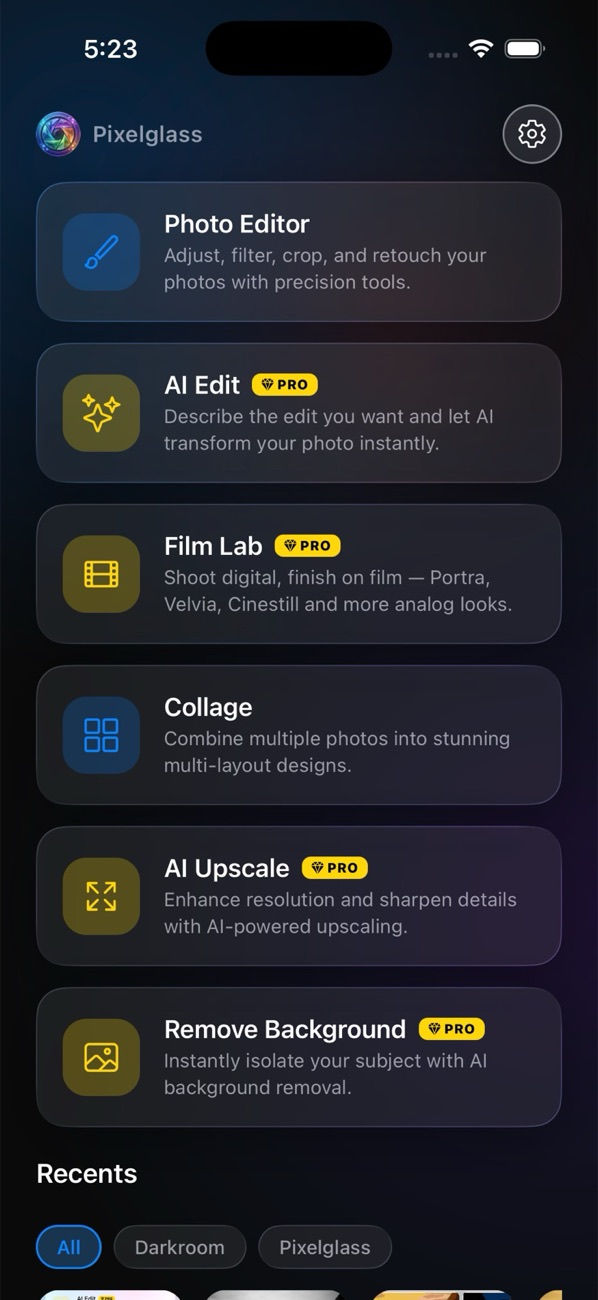
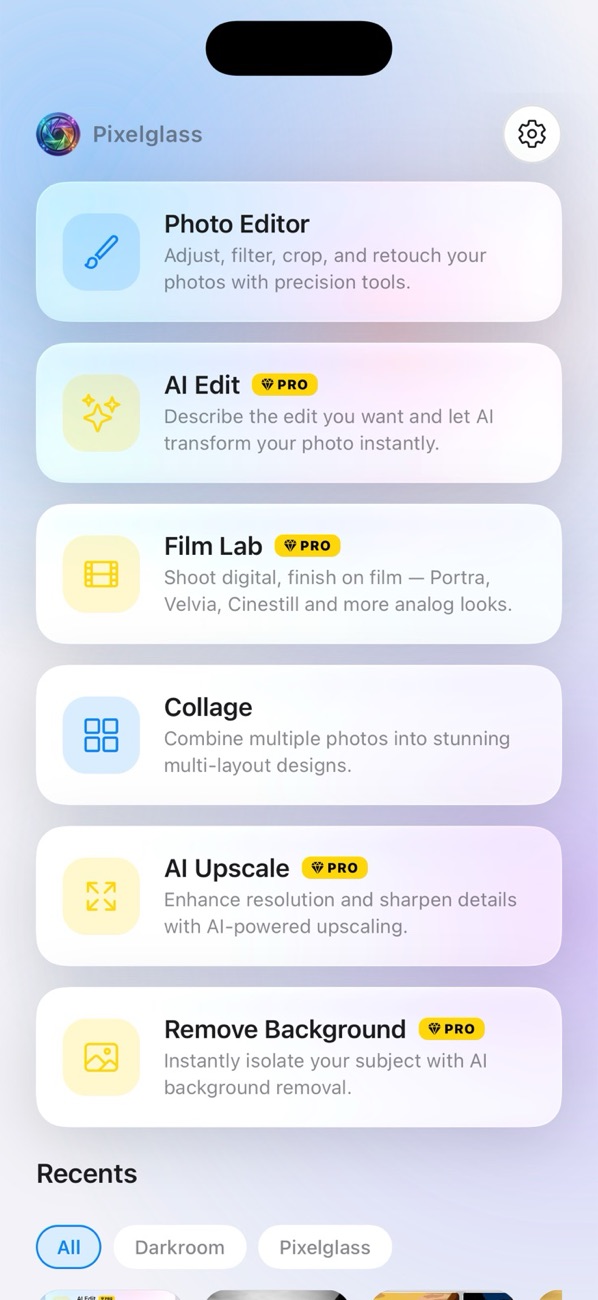
PixelGlass Pro is a powerful mobile photo editor built around Apple's Liquid Glass aesthetic — a Skia-powered editor, premium film stocks, an AI suite for edits, upscaling and background removal, and a flexible collage builder, all wrapped in frosted translucent surfaces.
Everything you need to perfect a photo
From precise color adjustments to one-tap AI transformations, every tool lives behind a calm, translucent interface.
Pro Editor
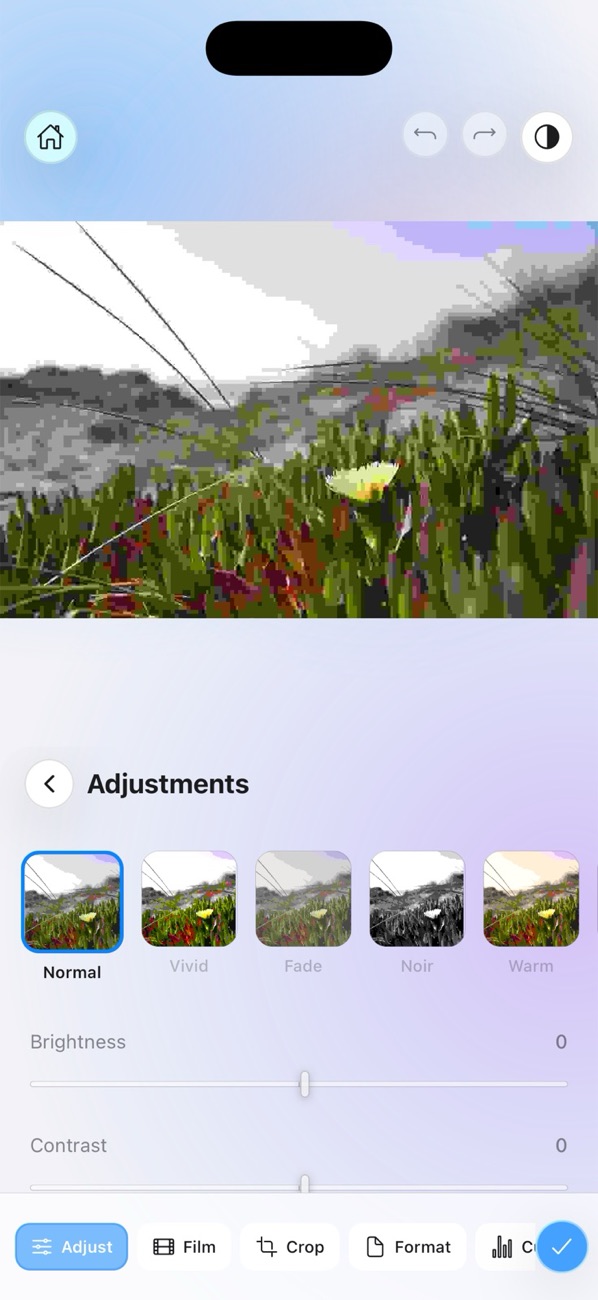
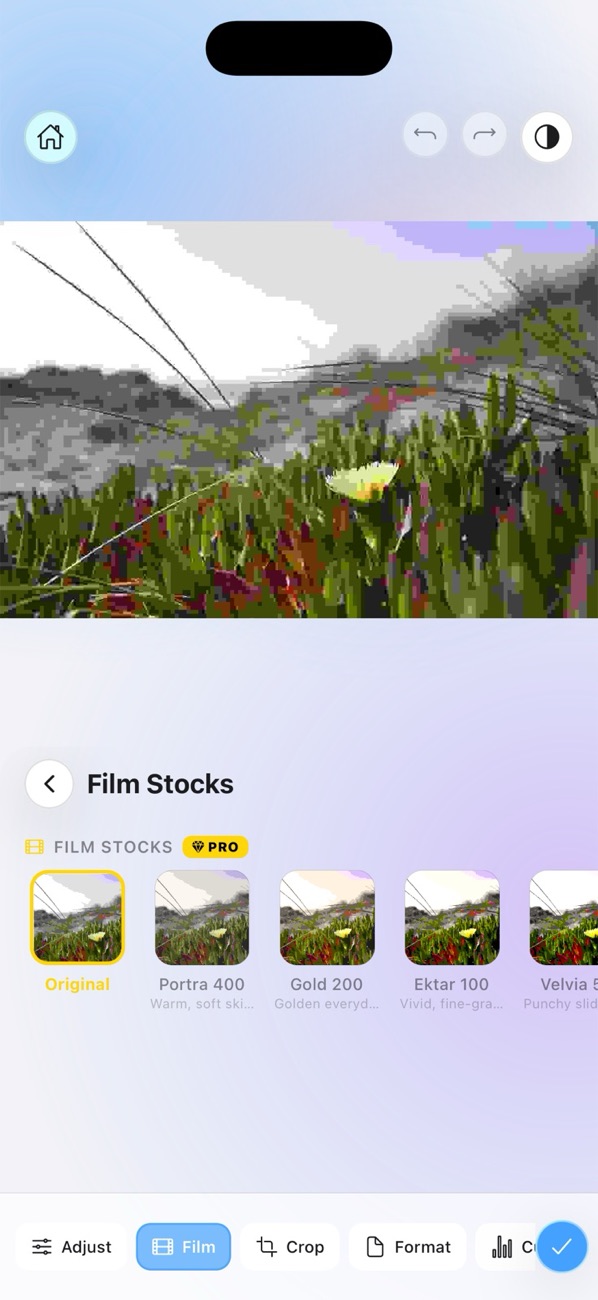
Fine-tune brightness, contrast, saturation, exposure and more through a Skia ColorMatrix applied in a fixed, predictable order — with crop, rotate, flip, and aspect formats.
Learn more →AI EditPRO
Describe the change in plain language. Powered by OpenAI or Gemini, with a guardrail that preserves faces and composition.
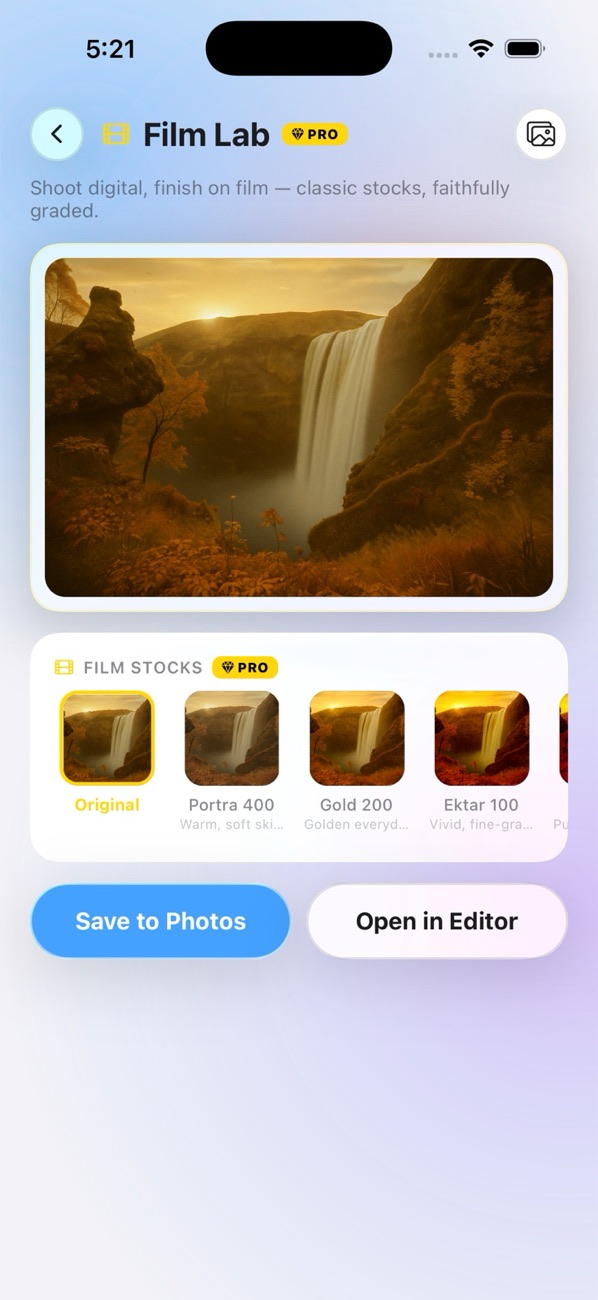
Learn more →Film LabPRO
A curated set of premium film stocks with live previews. Pick a photo, page through looks, and save at full resolution.
Learn more →Collage Builder
Multi-select photos, choose from adaptive templates, and pan-to-crop each slot with live mini previews.
Learn more →AI UpscalePRO
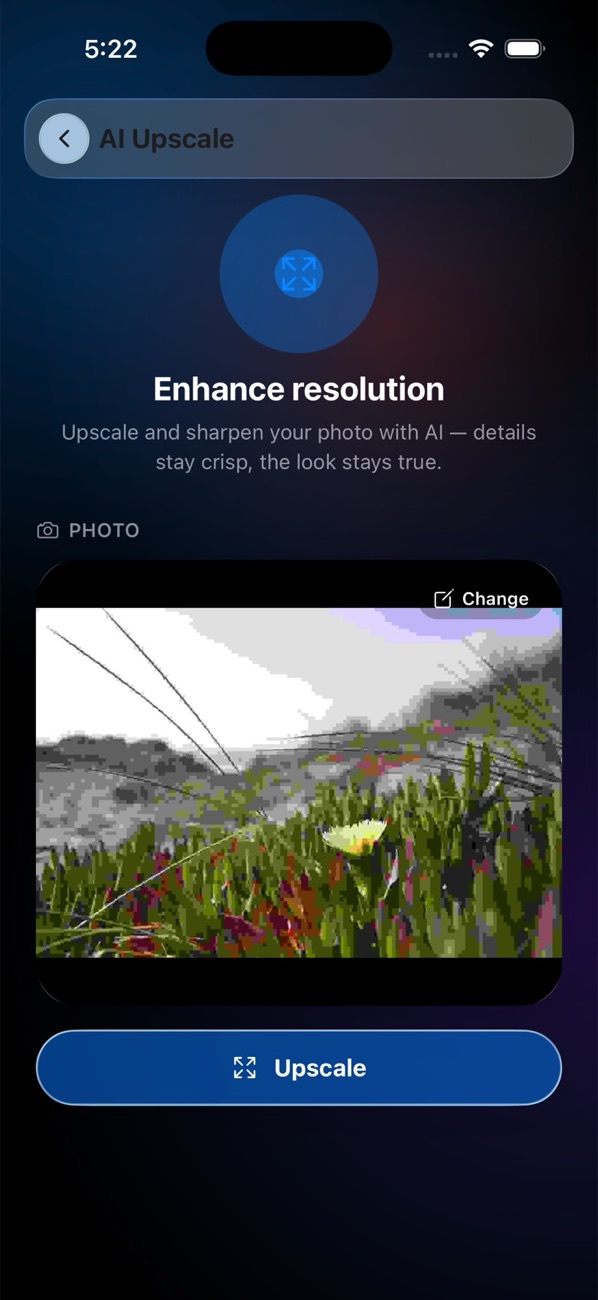
Enlarge and sharpen photos with AI while keeping the subject and details intact — great for old or low-resolution shots.
Learn more →Remove BackgroundPRO
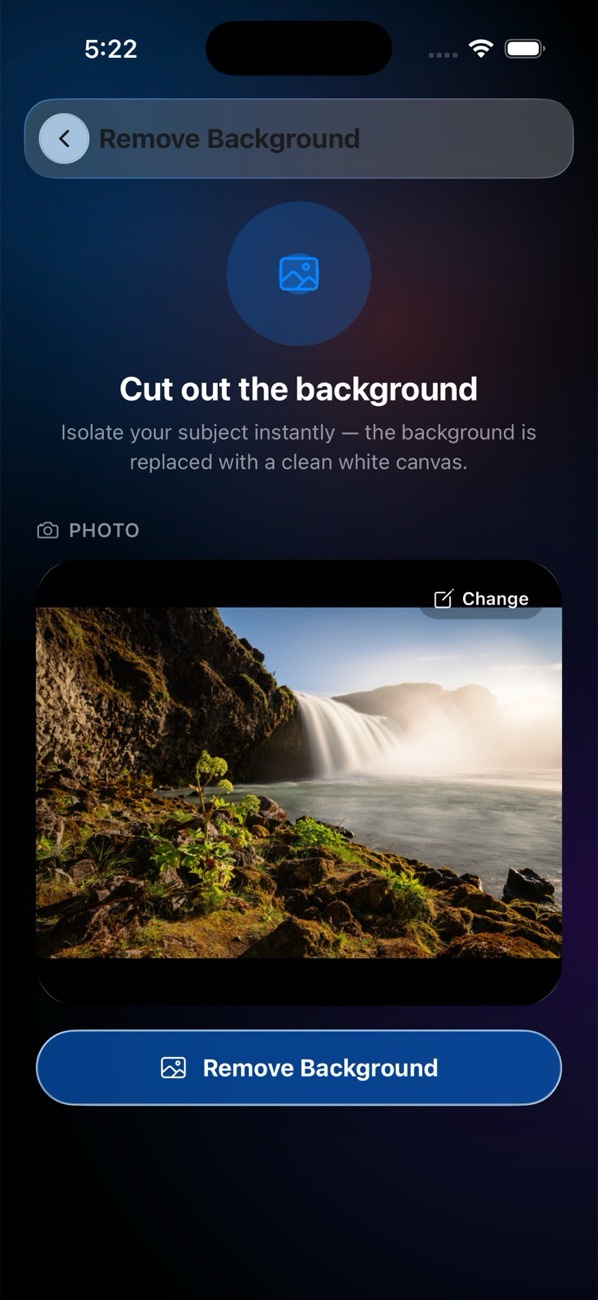
Cut the subject out of any photo in one tap with AI-powered background removal.
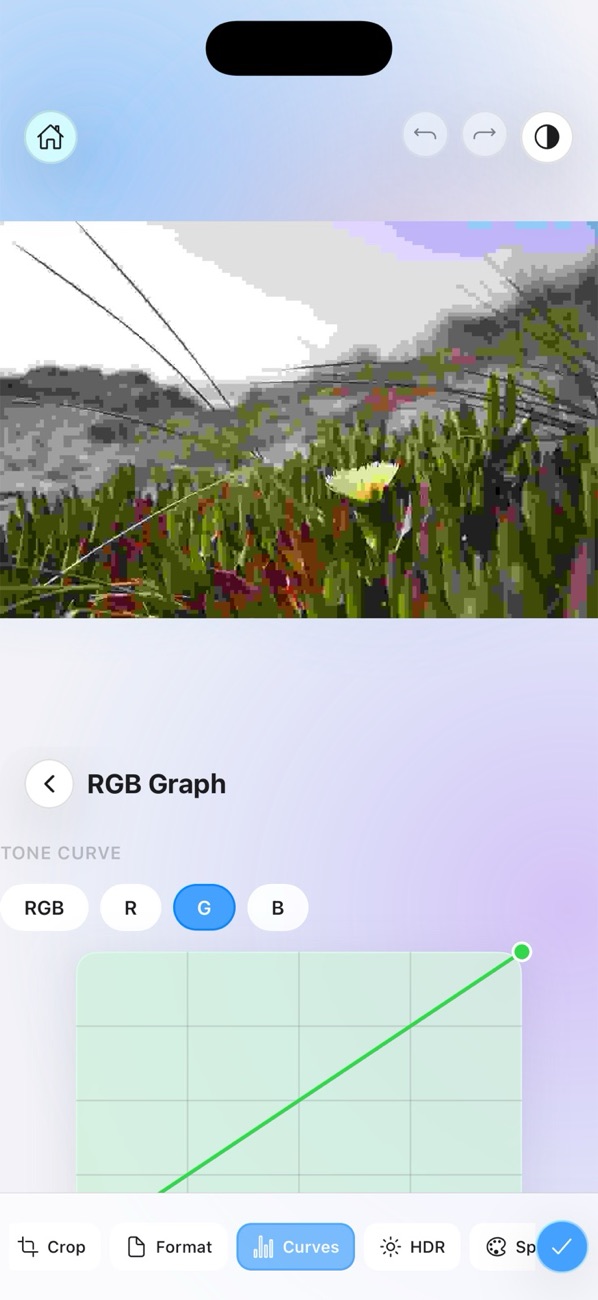
Learn more →Curves, HSL & HDR
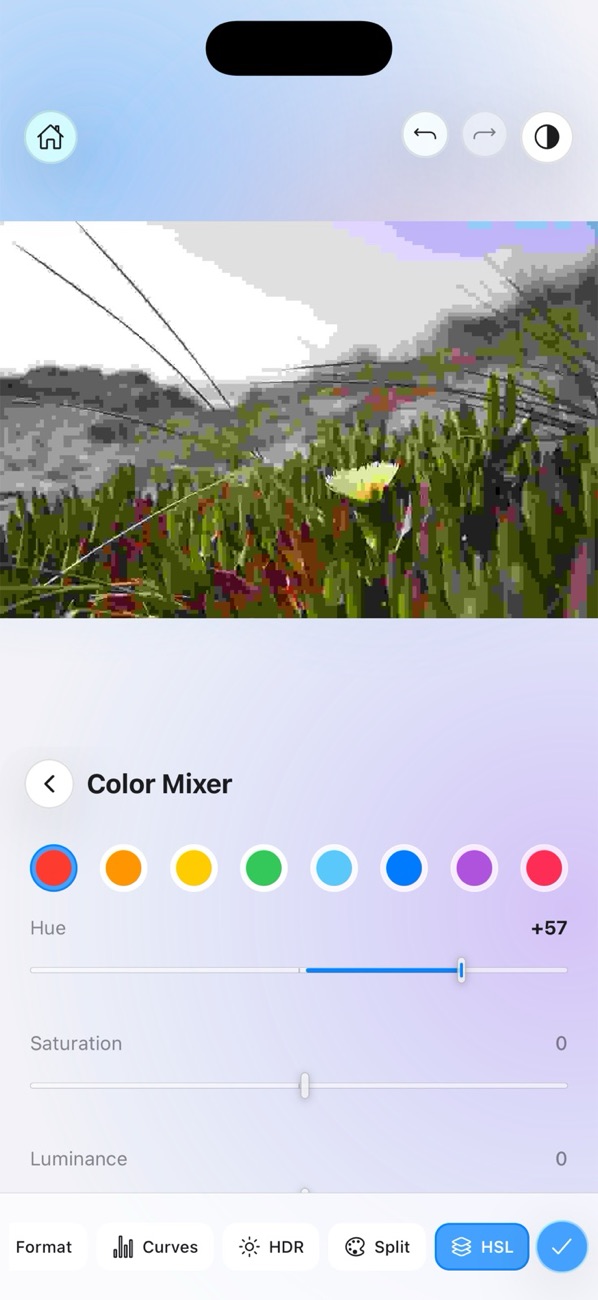
Studio-grade color tools — tone curves, per-channel HSL, HDR and split-toning — right in the editor's glass toolbar.
Filter Presets
A scrollable filter strip with edge-faded previews and snapping thumbnails lets you page through curated looks instantly.
Screenshot Privacy
Built-in screen-capture protection keeps your photos private — screenshots and recordings show a branded privacy cover instead of your images.
Light & Dark
A system / light / dark theme picker resolves from device appearance and re-themes every glass surface in real time.
One-tap Export
A single Done button opens a glass export sheet — choose format, size and quality, then Save to Photos, Download, or Share.
Liquid Glass UI
Apple's real Liquid Glass material on iOS 26, with frosted blurred panels, hairline edges and the system-blue accent everywhere else.
A studio-grade editor in your pocket
Persisted adjustments, real-time Skia rendering, and an interface that gets out of your way.
- A glass toolbar with Adjust, Film, Crop, Format, Curves, HDR, Split and HSL tools
- Adjustments that persist across launches — pick up right where you left off
- Drag-to-adjust sliders with a custom gesture responder
- An adaptive preview that resizes smoothly as tools open and close
Film LabPRO
A dedicated darkroom for film lovers. Browse premium film stocks with live previews on your own photo — no guessing from tiny swatches.
- Curated film stocks, each with its own name and flavor
- Live previews rendered with real color-matrix math, not overlays
- Full-resolution export — the original image, not a screen snapshot
- Hand off to the editor's Film tab to keep fine-tuning
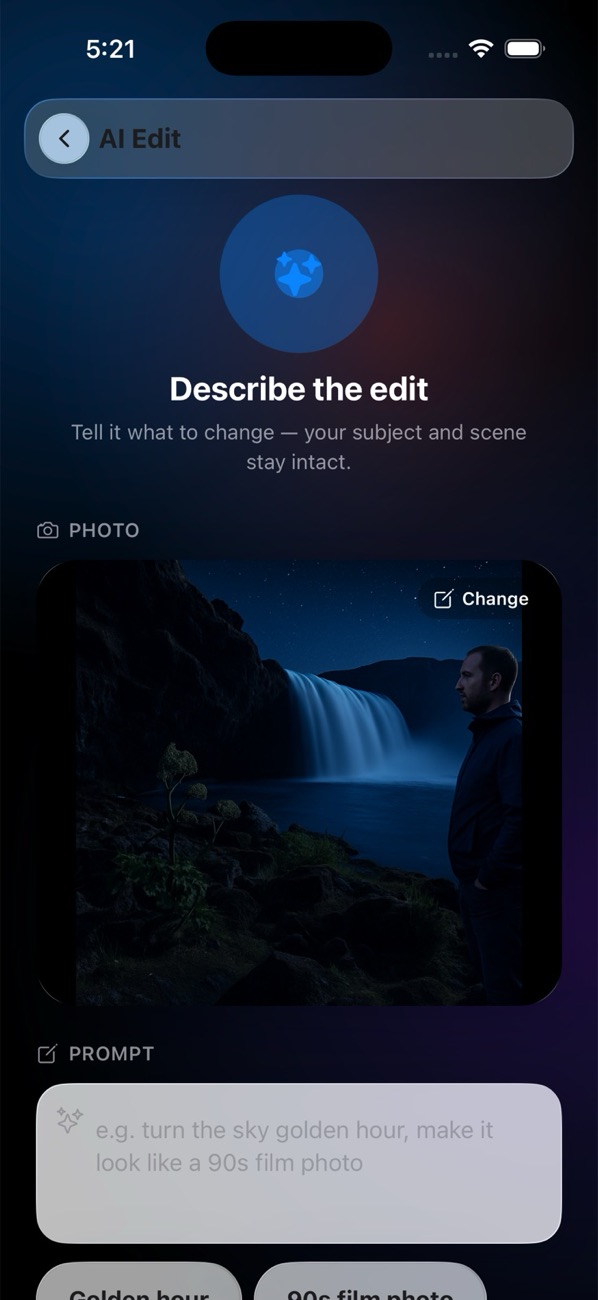
A full AI suite.PRO
Three AI tools — Edit, Upscale, and Remove Background — powered by OpenAI or Gemini and included with a PixelGlass Pro subscription.
- AI Edit: type a prompt, generate, then "Refine More" for another pass
- AI Upscale: enlarge photos while preserving detail
- Remove Background: clean subject cutouts in one tap
- "Open in Editor" routes any result straight into the editor
Collage builder
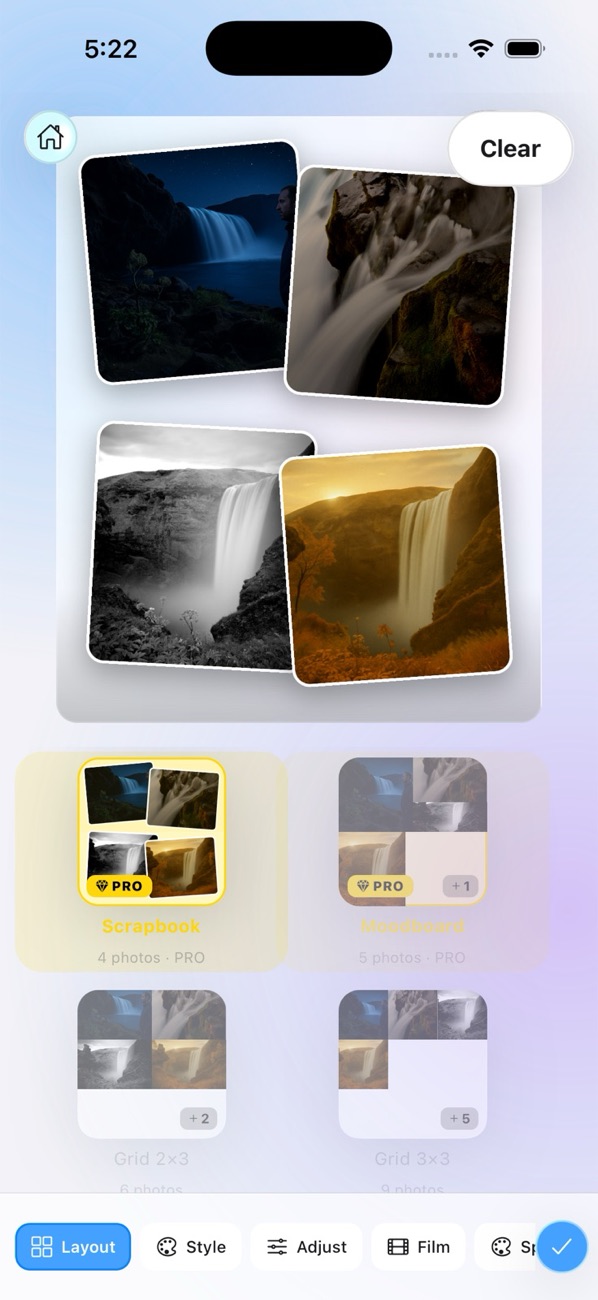
Build layouts from your selected photos with templates that adapt to how many images you chose.
Adaptive Templates
Only templates that fit your photo count are shown, with live mini photo previews on every template tile.
Pan-to-Crop
Drag each photo inside its slot to frame the perfect crop, with pinch zoom and per-slot filters and adjustments.
Premium LayoutsPRO
Scattered-card templates — Scatter, Scrapbook, Spotlight, Postcards — with tilted, floating photo prints and gold chrome.
Learn more →See it in action
Every screen, wrapped in glass — swipe through the app.
How it works
From launch to a finished, shareable image in four steps.
Onboard
A three-slide animated carousel welcomes first-time users.
Pick a photo
Choose from recent photos or your library on the home screen.
Edit or create
Use the editor, Film Lab, the AI tools, or the collage builder.
Export
Tap Done to save, download, or share from the glass sheet.
Ready to make your photos glow?
Download PixelGlass Pro and start editing with the calm, glassy interface your photos deserve.
Get PixelGlass Pro